
The database client that feels like a spreadsheet.
Edit data without writing SQL — and see exactly what runs.
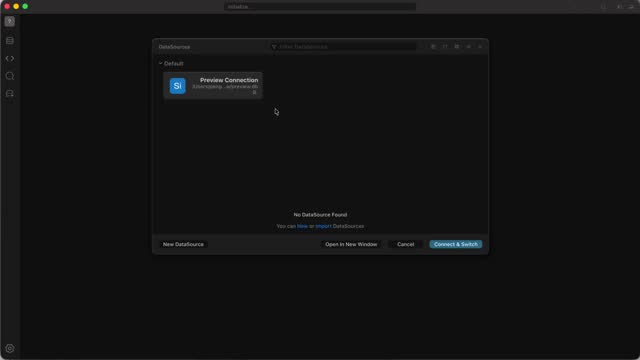 Open doc →
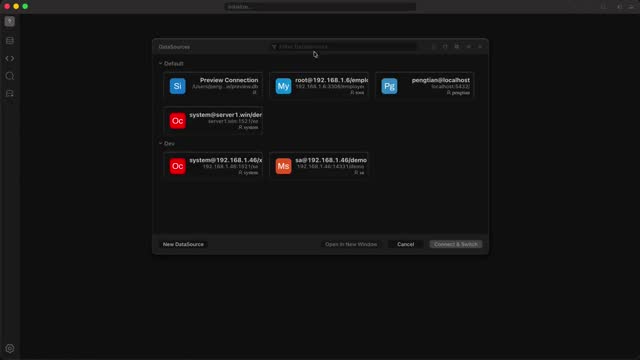 Open doc →
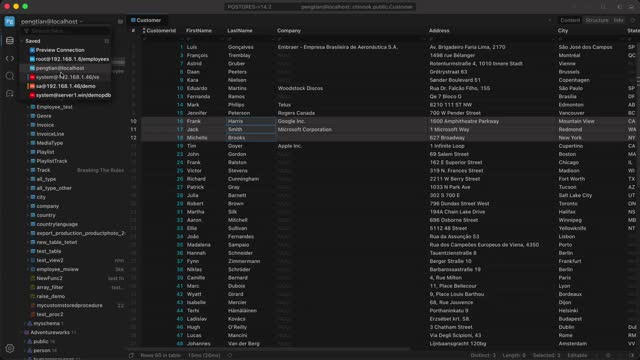 Open doc →
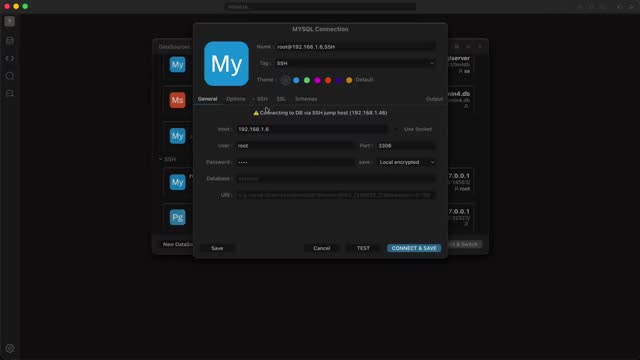 Open doc →
 Open doc →
 Open doc →
 Open doc →
 Open doc →
 Open doc →
 Open doc →
 Open doc →
 Open doc →
 Open doc →
 Open doc →
 Open doc →
 Open doc →
 Open doc →
 Open doc →
 Open doc →
 Open doc →
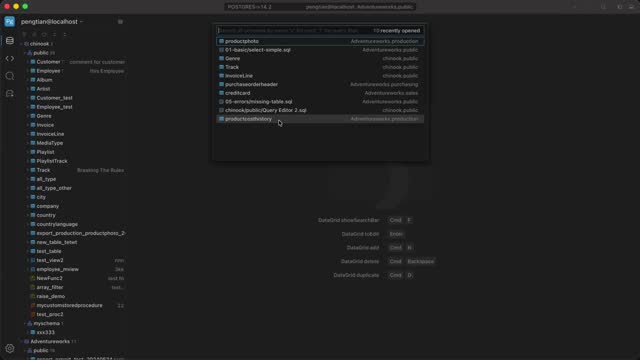 Open doc →
Works with what you already run
Twelve engines, one interface. Local, remote, or behind SSH.
 MySQL
 MariaDB
 PostgreSQL
 Oracle
 MSSQLServer
 Sqlite
 TiDB
 CockroachDB
 Redshift
 Greenplum
 Cassandra
 ClickHouse
Less clicking, more answers
Three things we obsess over: editing speed, AI that understands your schema, and an editor that never loses your place.
Spreadsheet speed
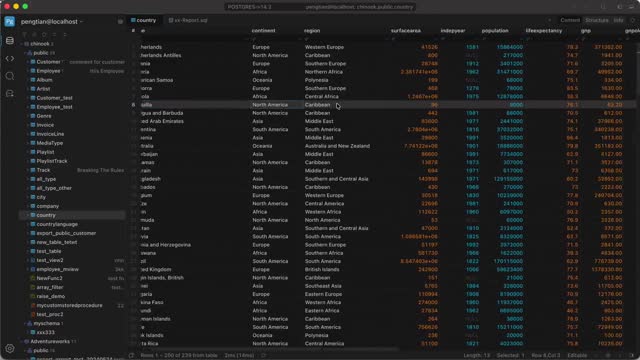
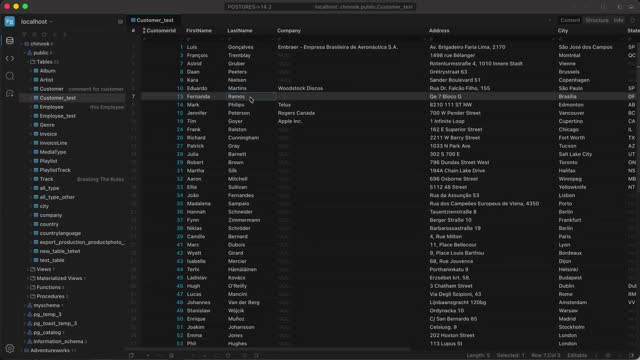
Select ranges, edit cells, copy and paste like a spreadsheet — then apply it as SQL in one click.
AI that stays in context
Explain, fix and optimize SQL inline, or ask questions about the schema in the AI panel.
Editor that knows your schema
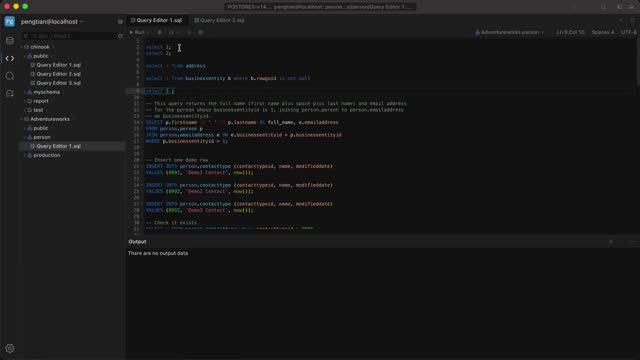
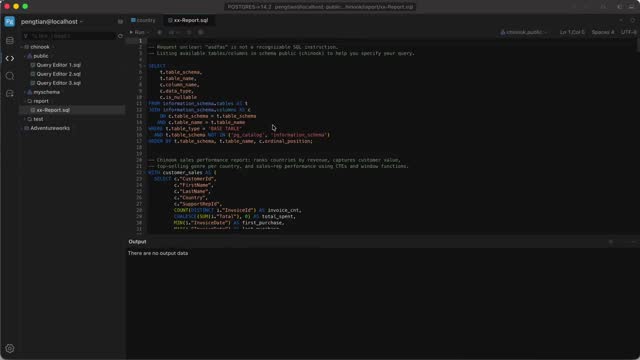
Schema-aware completion, syntax highlighting and instant error location, built for long scripts.
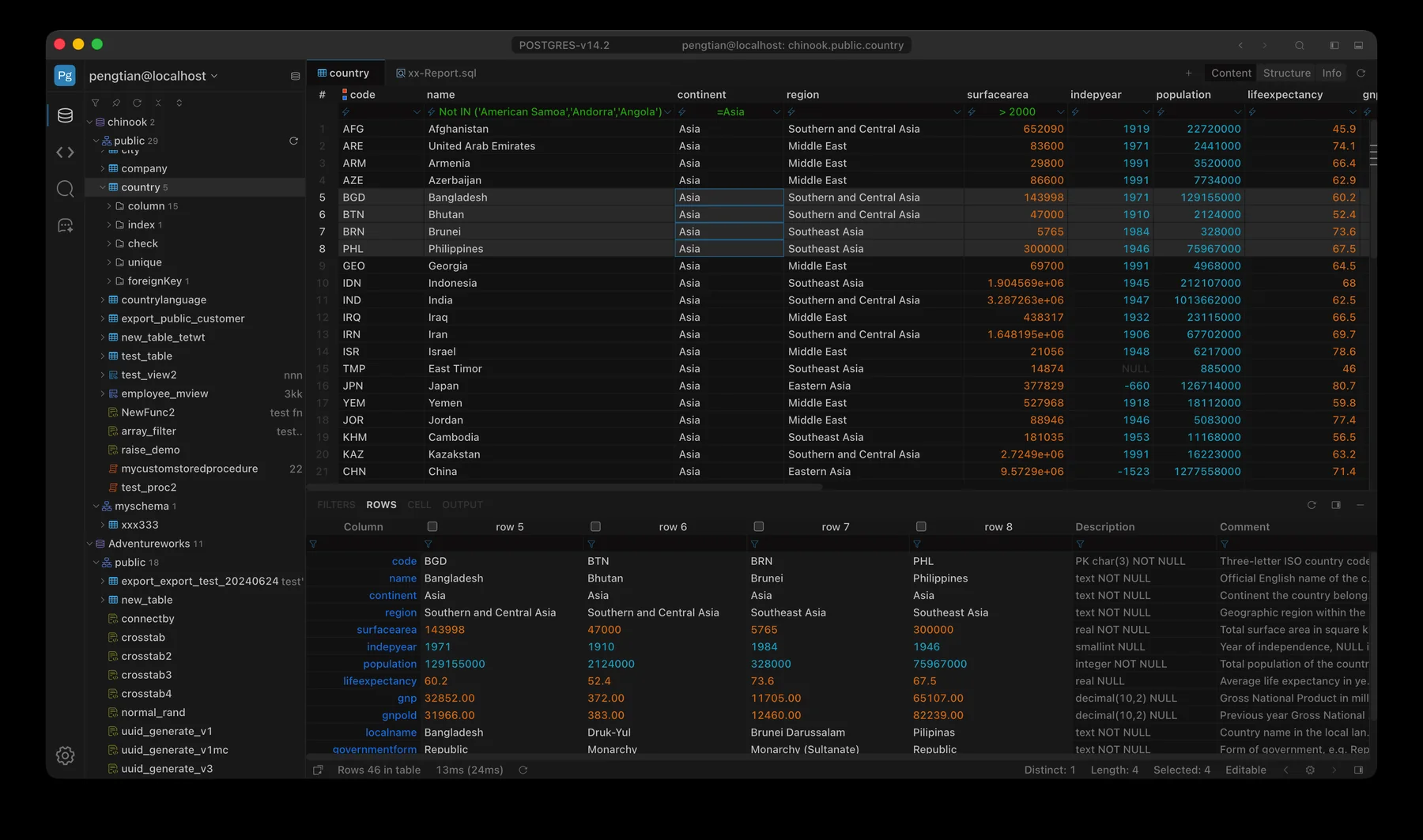
Edit data like a spreadsheet, commit like a DBA
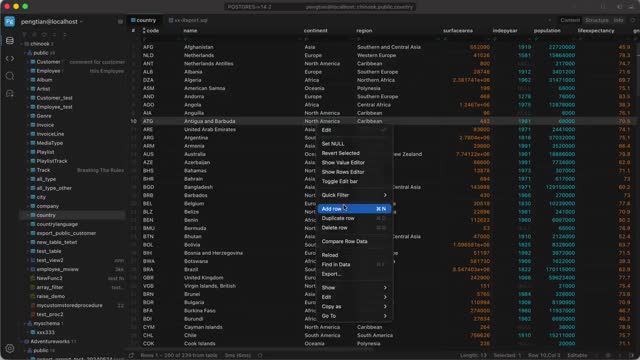
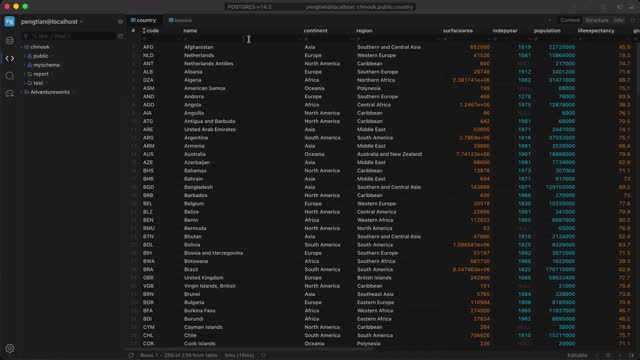
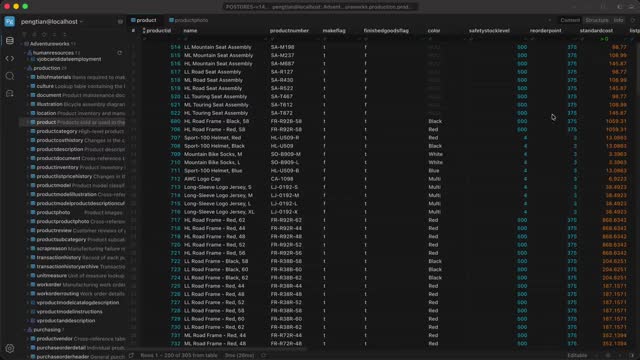
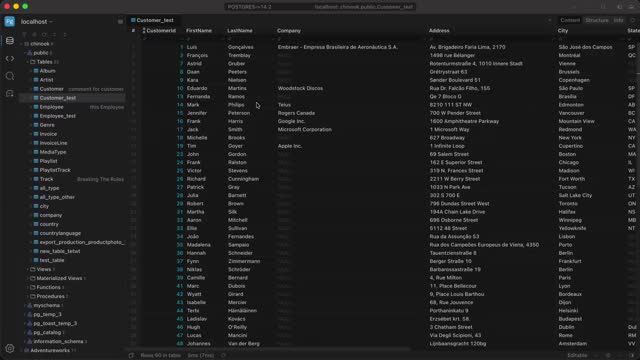
Multi-select, paste whole blocks, set NULL or empty in bulk. Every change is staged and rendered as SQL in OUTPUT before you commit.
- Filter, sort and edit without writing SQL
- Preview the exact UPDATE / INSERT / DELETE statements
- Row-level guards catch changes made by someone else
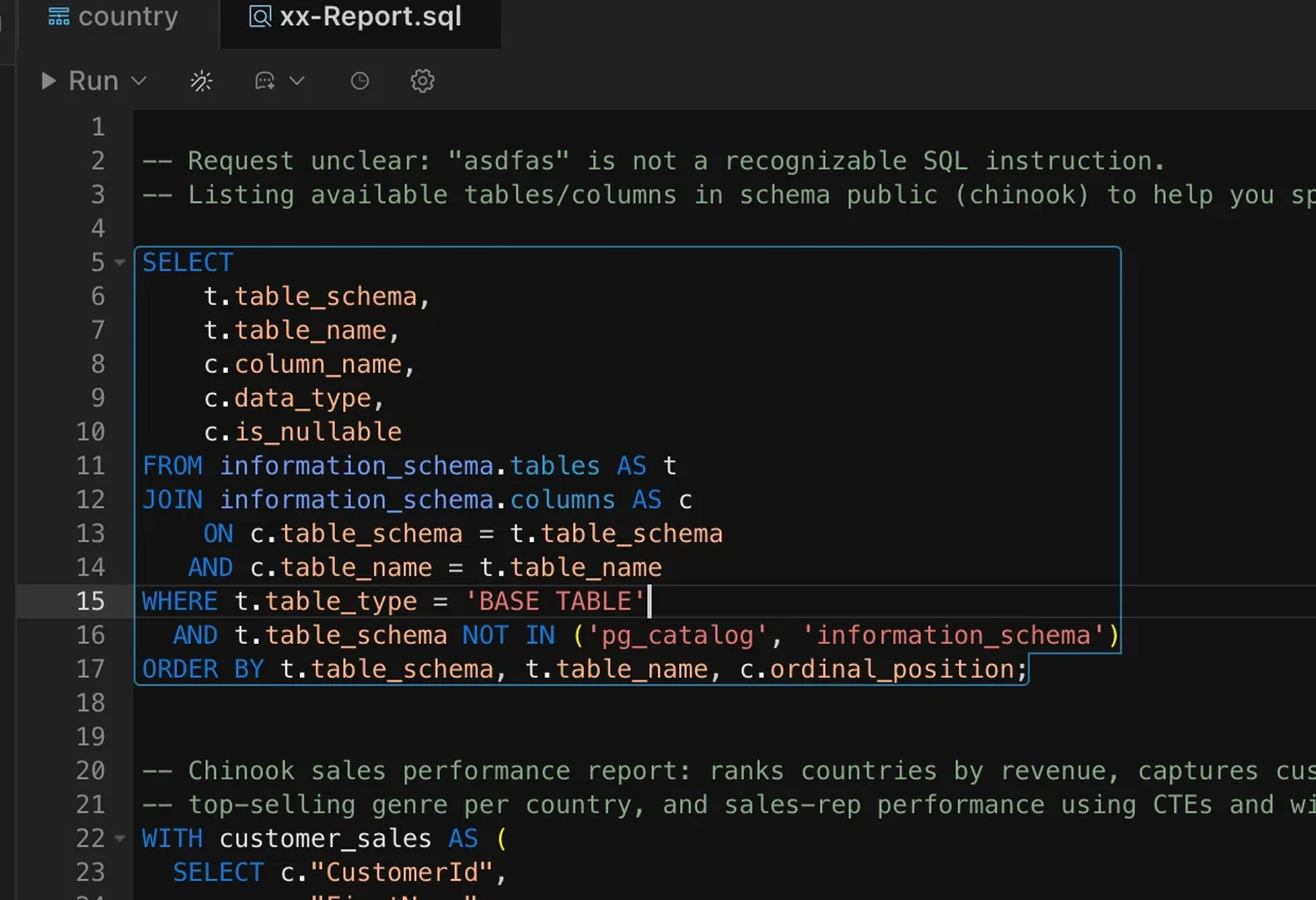
Highlighting and completion that know your schema
Keywords, strings, comments and identifiers are colored as you type. Completion suggests the tables and columns in the current schema, so long scripts stay readable.
- Syntax highlighting for keywords, strings and comments
- Schema-aware autocompletion for tables and columns
- Errors located to the exact line
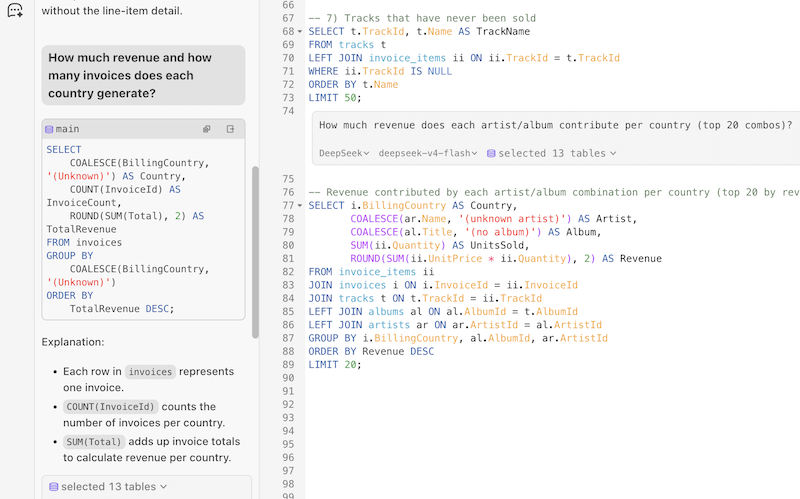
Ask your database, right where you type
AI Chat understands your schema and result sets. Inline Chat rewrites a query in place, explains an error, or turns a question into SQL.
- Explain and fix errors without leaving the editor
- Generate queries from plain language
- Inline suggestions that keep your flow
Small details that add up
The parts you touch every day: navigation, filtering, comparing rows and editing values.
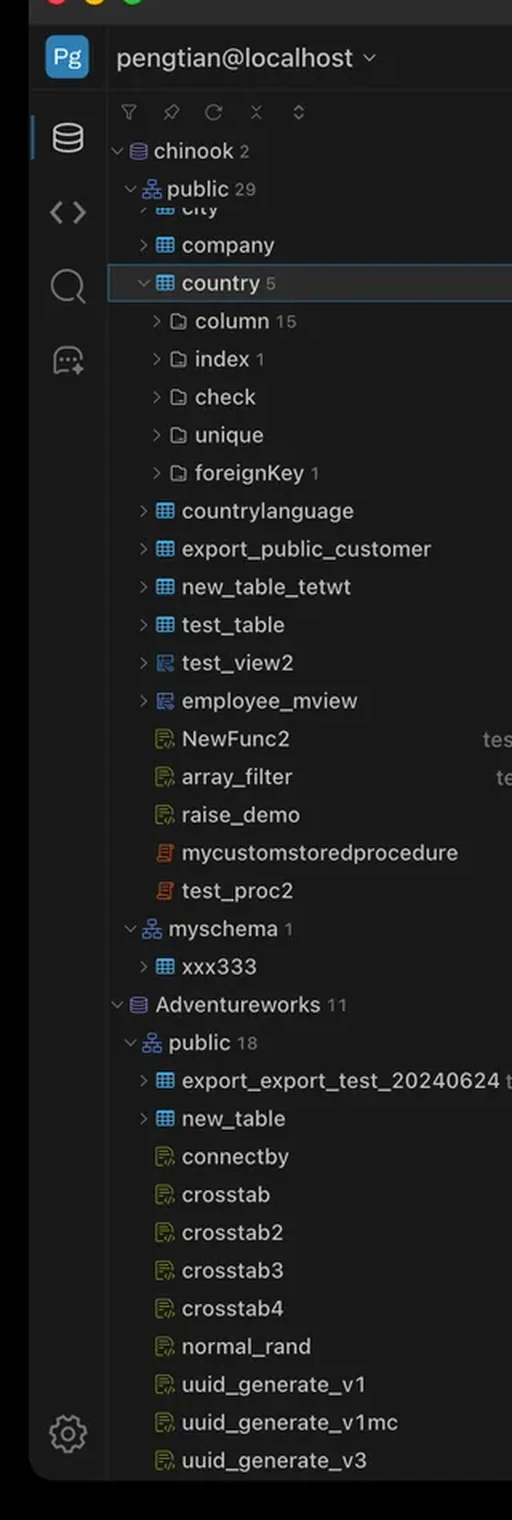
Multiple databases, one tree
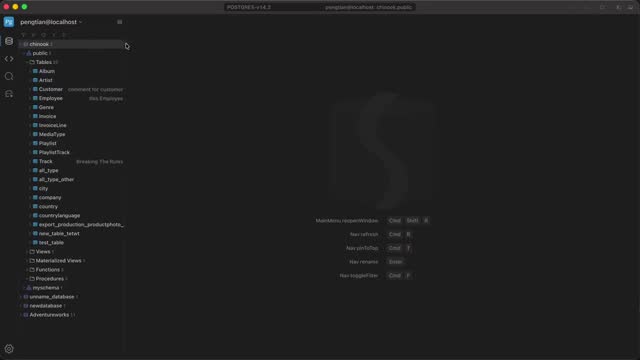
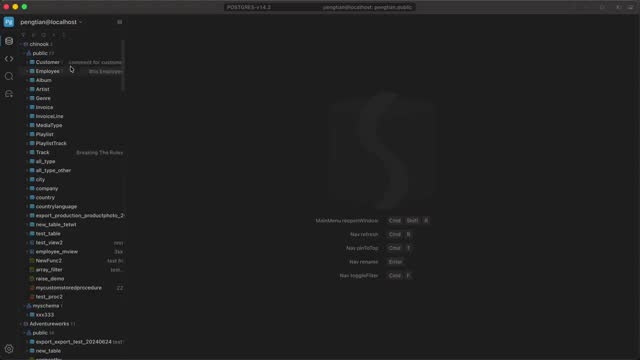
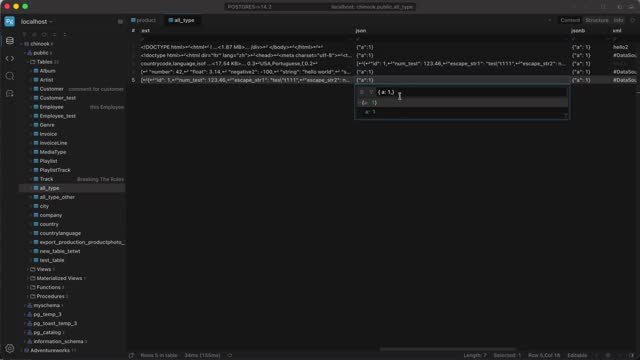
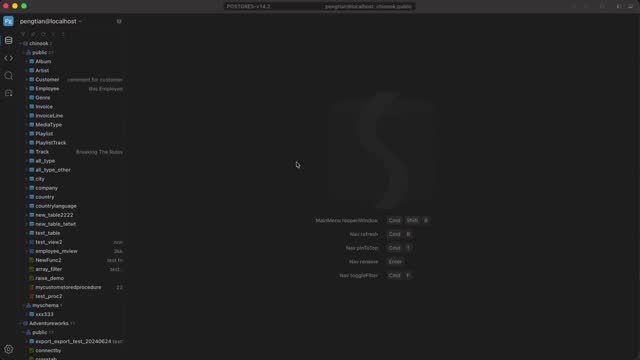
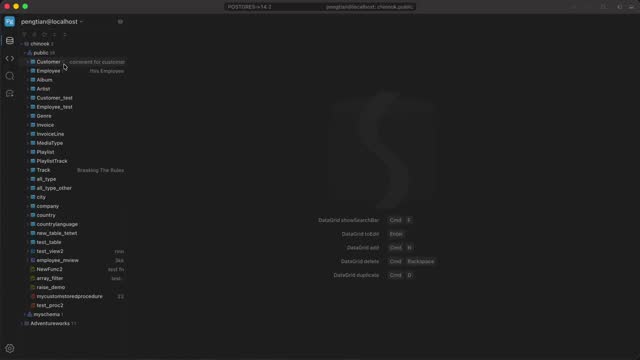
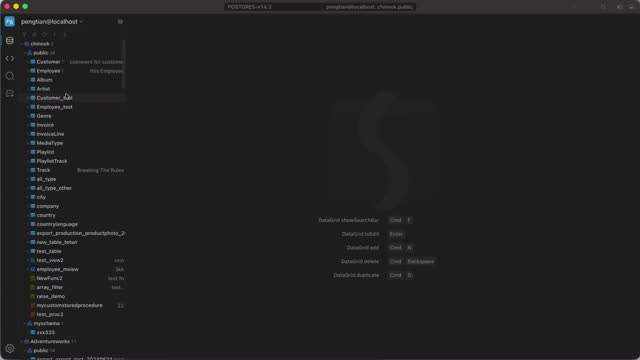
Every database and schema stays open at the same time, with object counts on each node. No switching connections to compare two environments.
Navigation →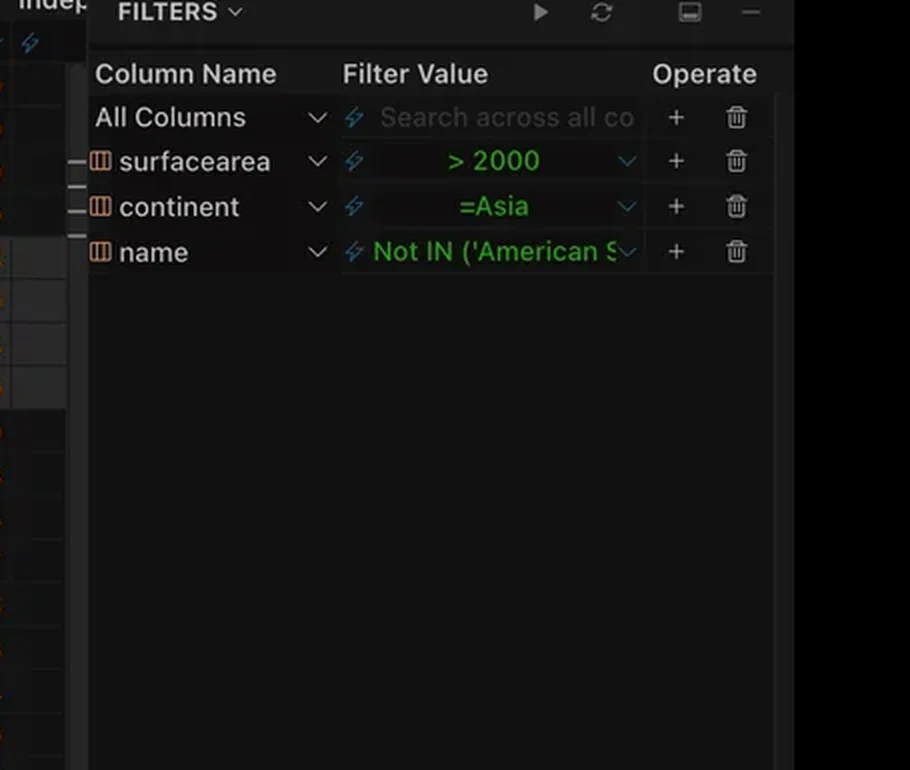
Filters that show their SQL
Stack conditions in the FILTERS panel and watch the
statement update in Raw SQL. Quick Filter turns a
selected value into =, IN or
LIKE without typing.
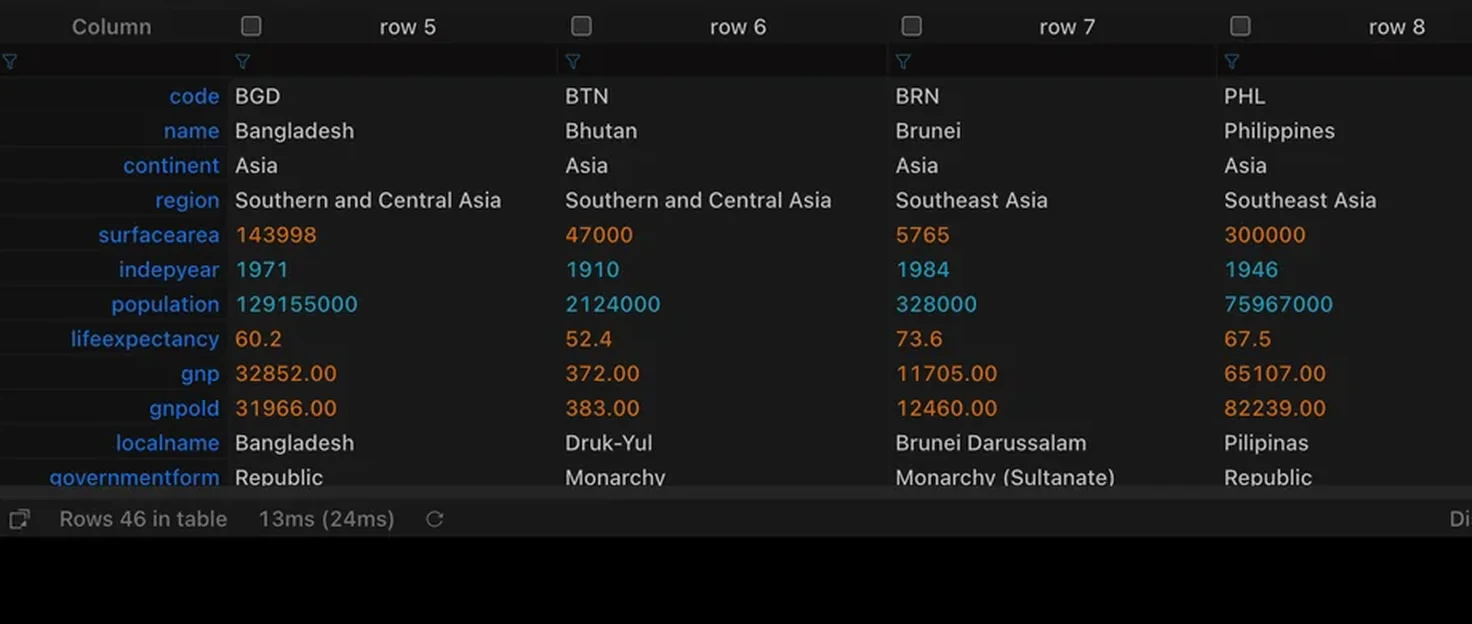
Compare rows without exporting
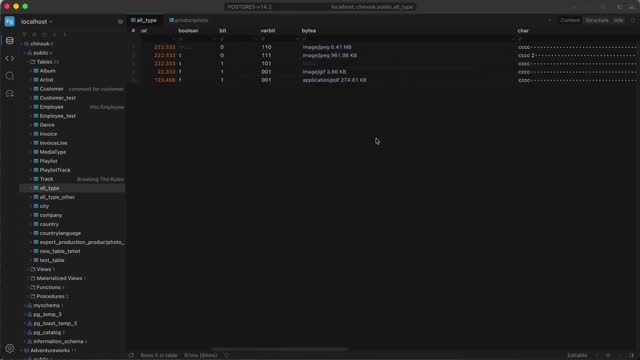
Put four rows side by side in the ROWS panel to see where they differ. Long text, JSON and binary values open in dedicated editors.
Rows →Built by a small, young team — six years in, still shipping often. If something is missing or wrong, tell us on the issue tracker.
Questions we get
Still unsure? Open the docs or drop an issue on the tracker.
Which databases are supported?
MySQL, MariaDB, PostgreSQL, Oracle, SQL Server, SQLite, TiDB, CockroachDB, Redshift, Greenplum, Cassandra and ClickHouse.
Can I edit data without writing SQL?
Yes. Select cells, edit inline, and SteelSQL stages the change and shows the SQL it will run before you apply.
Does it run on my system?
SteelSQL ships for macOS, Windows and Linux, and installs like a normal desktop app.
Can I connect to a database behind a firewall?
Use the SSH tab in the connection dialog and point Host at the address the SSH server can reach.
Try it on your own database
Connect locally or through SSH, and keep your existing workspaces.