
Rows
The ROWS panel lists the fields of the current row as columns, which is handy for long text and binary content truncated in the grid. It does not change data; it offers another view for inspection and editing.
▶ Tutorial
ROWS panel: view by row, switch display position, edit inline
Layout
The ROWS panel can appear in three places: on the right, at the bottom, or in a popup. The three positions are mutually exclusive and only one is active at a time; when you switch to another, the previous one collapses automatically.
| Position | Best for |
|---|---|
| Right | Seeing all fields of a single row in a vertical layout, so long text is not squeezed |
| Bottom | Multiple selected rows side by side, with more horizontal room |
| Popup | Temporarily enlarging the view when the grid area is too narrow |
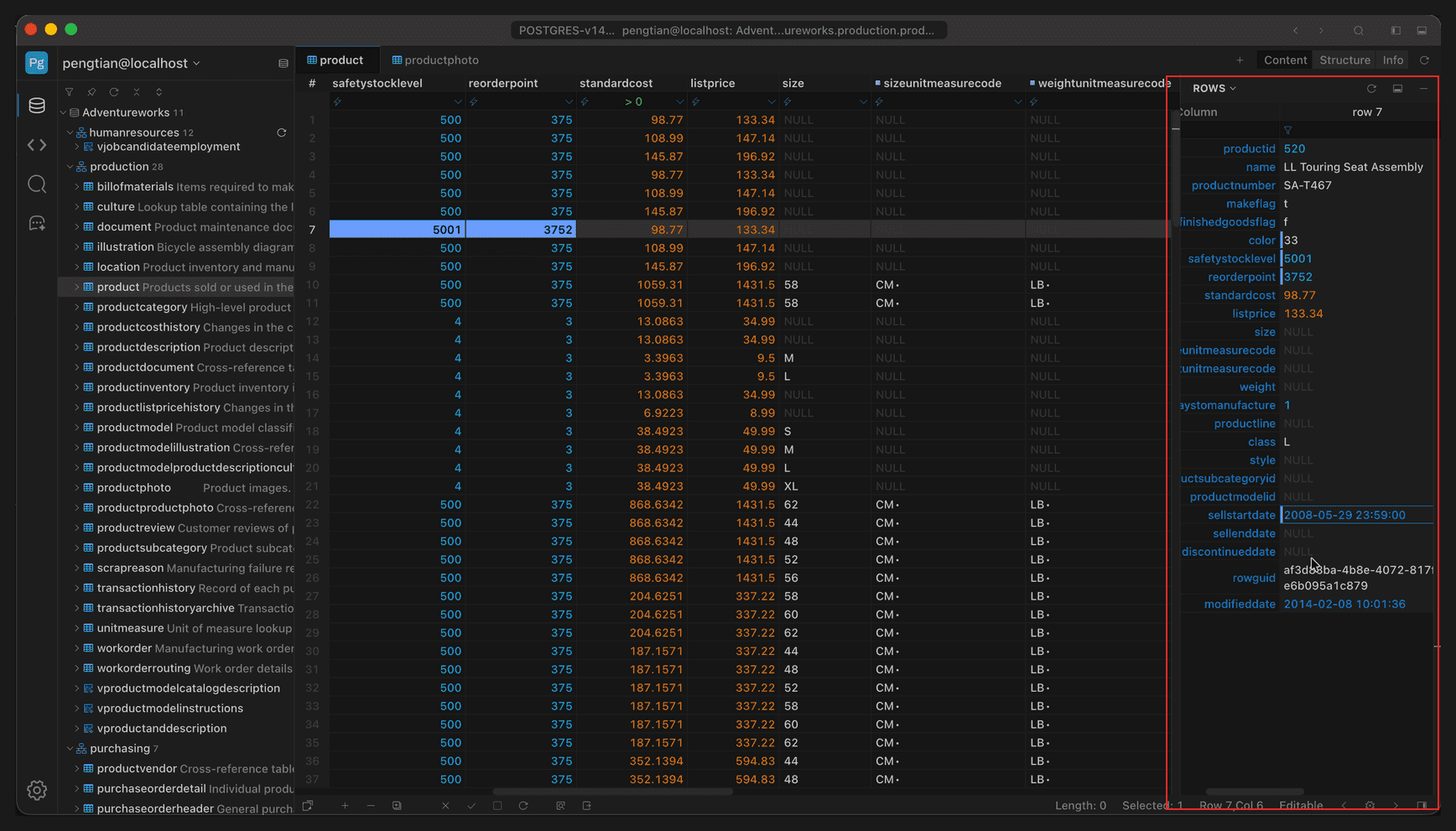
Full-window view; the red box marks the ROWS panel on the right
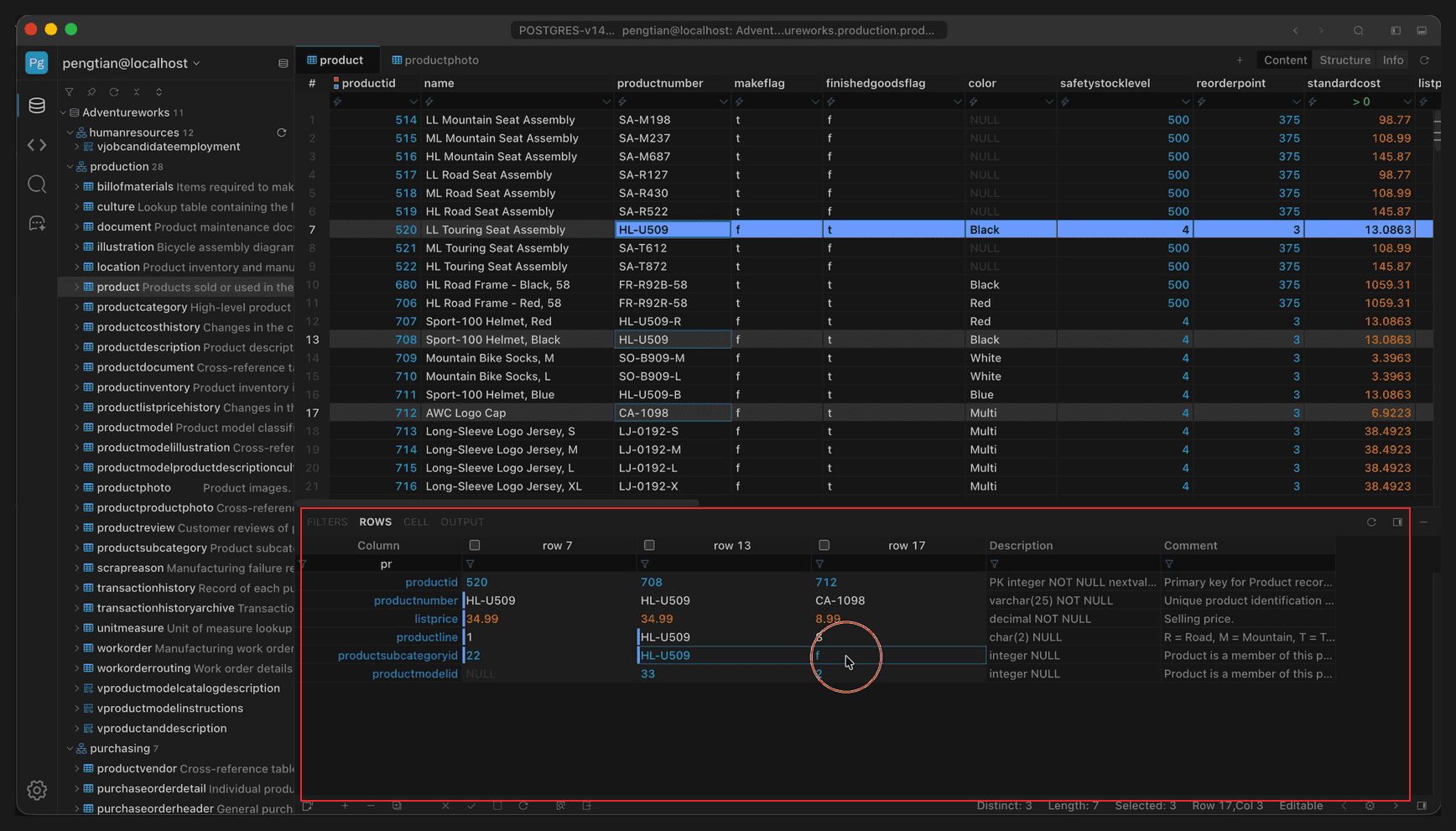
Full-window view; the red box marks the ROWS panel at the bottom
Row details
The panel lists every field of the current row by column, including long text and binary content truncated in the grid.
- Binary fields such as images show a thumbnail directly.
- Field name, value, and type are shown on separate lines, and long values can be viewed in full.
- Values can also be edited directly in the panel, and changes still go through Apply / Revert.